
 Phase 1 · Win 10 minutes
The discharge report that starts in your own template
Pill 1.11 · Phase wrap-up · Design the method once; then only the case changes
Read the full story
The Scene
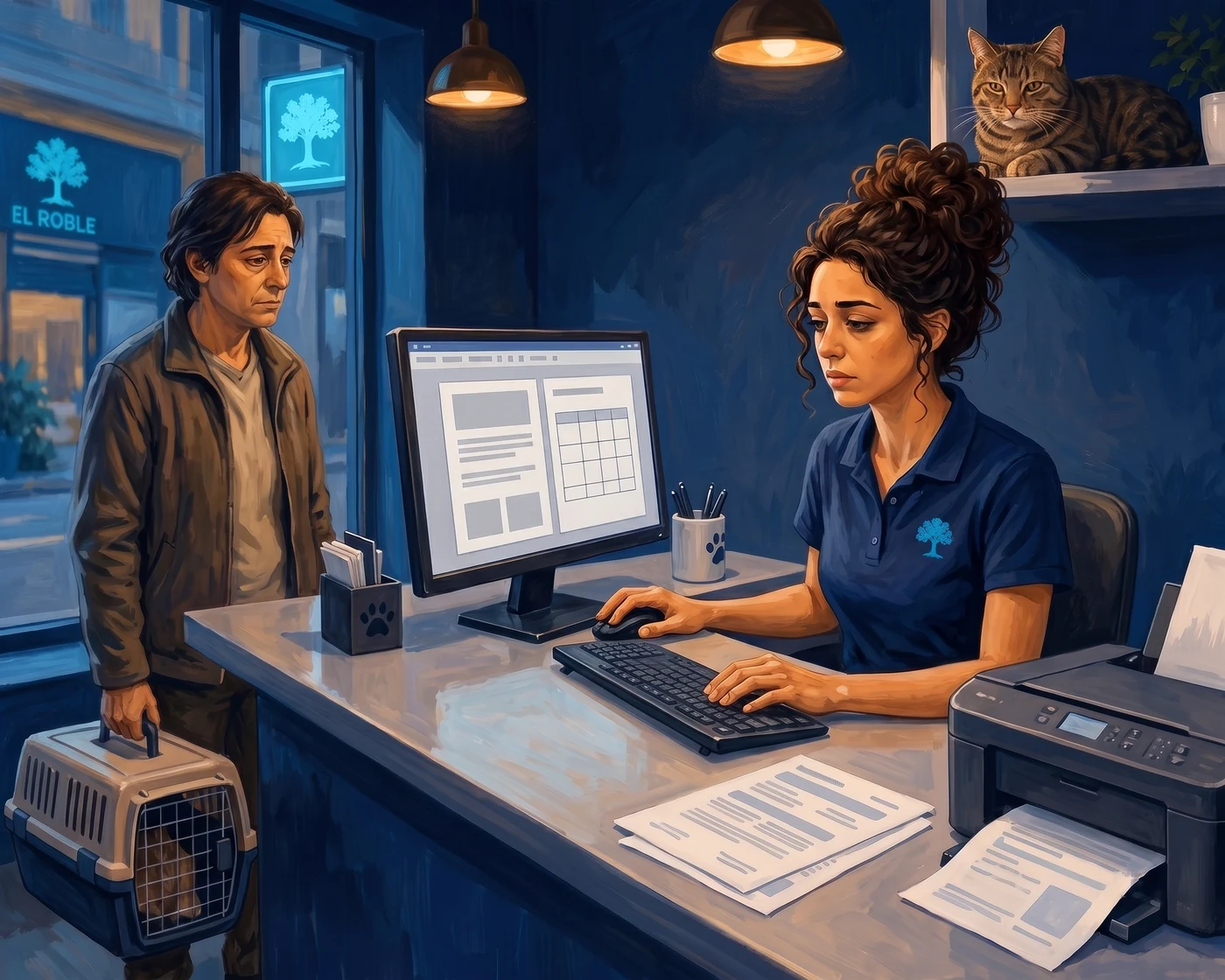
Friday, 19:05. Mica's owner —a cat just over a year old, spayed this morning— waits at the other side of the counter with the carrier on the floor.
The text is ready. Hugo has sent it to Sara from the assistant, done: the six sections, the medication table, the alarm signs at the top. It's good. Not a comma needs changing.
What's not ready is the paper. Sara copies, opens the practice's template —the one Laura made two years ago, with the logo, address, and opening hours in the footer—, pastes, and the table gets misaligned. She realigns it. Checks that the footer hasn't moved to the second page. Prints. Four minutes with someone watching her.
It's the third one today. Marta formatted the eleven o'clock one her way, in her template, and it looked good. The midday one came out on a blank sheet because Hugo's consultation room was full and he didn't have the time. Three discharge reports, three different papers.
And on Monday, when they reopen, the owner of the midday patient will come in with the sheet in hand to ask if it's from here. The doubt will last her all weekend, because there's no one here until Monday.
Roble has climbed onto the printer tray, which is where it's warm.
The Push
Sara brings it up in Monday's handover, and she brings up the whole thing, which is typical of her.
—Two things. One: we did this to provide better service and avoid calls, but it's costing me more to format it with the client in front of me. And two, which is what matters to me —she says, lining up Friday's three discharge reports on the table—: I don't think it's right that each report comes out differently.
Marta looks at them without touching them.
—The paper is what we send home with them —she says—. And right now, one of the three doesn't say where it's from.
—Hugo's is better written than mine, but it doesn't identify the clinic —Sara replies.
—I'm sorry, I had two patients waiting... Hugo apologises.
—That really annoys me -Marta comments.
Diego, cautiously, without looking up:
—The text is already good. What needs to move isn't the text.
Sara pauses for a second.
—So what then?
—I've been looking into using AI in documents; I think we could do it from there.
The Daily Task
Until now, the process was always the same: ask the assistant for the discharge report with the management system's report, copy the text or download an editable document, open the template or reformat, paste, fix. Bring the text to the paper.
Diego explains what he's seen to Sara, and they try it in reverse. They open a report with the practice's template, make a copy, and ask for the discharge report inside that document, using the assistant they already had created.
She pastes Mica's notes —scheduled OVH, no incidents, midline wound, three stitches, oral analgesic for three days…— and a single sentence: replace the report with this case.
And in a few seconds, the AI has suggested how to modify the document without changing the logo, header, or layout.
The Breakthrough
The header and footer are not part of the document body. They are on a different layer. That's why the AI doesn't touch them.
It sounds like a technical detail, but it's quite the opposite: it's the entire distribution. What changes daily —the patient, the regimen, what needs monitoring— is written by the assistant. What should never change —your logo, your street, your phone number, your opening hours— is where it can't reach. Not because you've forbidden it: because it's not its place.
And from there, everything else follows. If the template is already there —a real, complete discharge report, within the template—, there's no need to describe it: it copies what it sees. The headings, the alarm signs box, the four columns of the table, the signature line. No more repositioning tables.
Eleven weeks to get here, and the leap is this: you stop asking it for a document and ask it to write inside yours. You already had the assistant. What you've moved is where it works.
The Gem, in Action
The discharge assistant was already set up last week, though we didn't mention it: a Gem with the template inside, like the one Diego made in Pill 1.5, which we already explained. They created the new one with instructions very similar to last week's prompt, and the only thing they added was a new block of instructions —what to do when working inside a document— and gave it the template as a reference file.
This is what it returned with Mica's notes, exactly as is:
 09:52
09:52What it did well
It copied the template without being told. The six sections with their headings, the cyan box for CALL US NOW IF…, the four-column table with the names intact, the signature line at the end. None of that was in the prompt: it was in the document.
And it didn't invent a single date. Five placeholders, all in the right place:
Date: [PENDING: date] Suture removal in 10 days. We expect you on [PENDING: date] at [PENDING: time] h. Attended by: [PENDING: name] · Registration No.: [PENDING: number]
It placed everything in its section. The collar and rest went into what it cannot do, written from the animal's perspective:
· Remove its collar or body suit. It must wear it until we remove the sutures, 10 days. · Make high jumps. It needs relative rest for 48 h.
And the column that didn't apply —soft food isn't taken "with or without food"— it left with a dash instead of filling it with anything. That's an assistant rule working.
And the adjustment, which the Gem doesn't make
"Scheduled OVH" remained as is. And here's the good thing about this Pill. In the assistant, we asked it to respect clinical terms, because the previous time it had converted otitis into "an infection," which isn't the same. We set the rule. And with the rule in place, it did the opposite: it didn't change it… but it didn't explain it either. Mica's owner takes home a paper that says Scheduled OVH and doesn't know what it is.
Every rule you set to fix one flaw opens another on the opposite side. That's why the final step is always yours.
It's fixed in two places. In today's paper, by writing «the spay (an OVH)». And in the assistant, for tomorrow: respect my clinical term and explain it next to it, in parentheses. Always both things.
Section 3 remained a single line. "It may be drowsy today." Correct, and sparse. What's truly missing is what prevents the weekend call, when no one is here: that it will eat less, that the wound might look a bit swollen for the first few days, that its spirits will return gradually. That wasn't in the program notes, so it couldn't be in the discharge report. It's in having seen two hundred spays.
And it was repeated: soft food appeared in the table and again in the note below. A three-second deletion.
Three tweaks, two minutes the vet can spend —with the owner present, and without repositioning a single table—. Afterwards, save the copy as Mica Discharge Report and print.
What You Already Have
Here the first phase closes, and it's worth looking back for a moment, because these are no longer eleven isolated tricks:
- From 1.1 you bring
[pending]. It started as a dictation habit. Today it's a rule within an assistant, and today it has been followed five times without anyone reminding it. - From 1.3 you bring the language; from 1.10, the order. Saying the same thing differently, and deciding what comes first.
- From 1.5 you bring the assistant. There you saved a way of writing. Today it works inside your documents.
- From 1.10 you bring the template. And today it stops being text that someone pastes: it's your clinic's paper, with the template inside.
Notice the movement of these last two weeks, because that's what really makes a difference: 1.10 took away your calls and gave you the formatting work. 1.11 takes away the formatting work without bringing back the calls. Every time you solve something, the friction moves elsewhere. Seeing it move is half the job.
And what's set up isn't a trick: it's that the discharge report comes out the same no matter who is on duty. That no longer depends on anyone's memory or how busy the consultation room is at seven.
This is as far as you can go with what you already had. The next step —that this triggers automatically when someone fills in a handover report— exists and works, and it doesn't depend on knowing more. It depends on something else, and we'll talk about that in Phase 3.
Do it yourself in 4 steps
- Prepare your practice's paper. A document with your header and footer —logo, address, phone number, opening hours— and inside it a complete, real discharge report, already corrected, the one you like. Don't put placeholders or brackets: a complete example teaches it the standard; a placeholder only teaches it the position. Upload it to Drive and convert it to a Google Doc (
File → Save as Google Doc): if it remains in Word, this won't work. - Teach it to work inside a document. If you already have your discharge assistant from last week, don't redo it: add the
OUTPUTblock below and the parentheses rule. If you don't have it, set up the entire Gem with these instructions. In both cases: add your template as a knowledge file from Drive —if you change it someday, the assistant uses the new one without you touching it—, tick disable knowledge citations and leave it without any default tools. - Always work on a copy. Open the template,
File → Make a copy, and ask for the discharge report inside that document, choosing your Gem from the Gemini panel in the document. Paste the program notes and a single sentence: «replace the report with this case». The header is not touched. - And your part, which cannot be delegated. Fill in the
[PENDING]items. Translate anything that remained as jargon. Add what's missing because it wasn't in your notes —and jot it down there too, for next time—. Delete repetitions. Save the copy with the patient's name and sign.
Colleague's tip: name the copy with the patient's name and history number before you start editing. It sounds trivial until the day you have four tabs open with "Template copy" and don't know which one is for the cat.
The prompt · copy it
This goes in the Gem's instructions, once, and is not touched again. In default tools, none.
You write discharge reports for the animal's OWNER, not for vets.
You receive notes from a clinical management program and return the report.

STRUCTURE — always these six sections, with these exact headings, in capitals and in this order:
1 WHAT WE DID TODAY
2 CALL US NOW IF...
3 HOW IT WILL BE THESE DAYS
4 WHAT TO GIVE, HOW MUCH AND WHEN
5 WHAT IT CANNOT DO
6 NEXT APPOINTMENT

Section 4 is a four-column table: Medication / What it's for / When / With or without food. Do not change the column names. If a column does not apply to that case, write "—": do not fill it with anything else.
Section 5 is what THE ANIMAL cannot do. What the owner should not do goes in section 4.

DO NOT INVENT
- Write only what is in my notes.
- Mark anything missing like this: [PENDING: what's missing]. Always apply to trade name, dose, frequency, with or without food, what a medication is for, and any date, time, or name. Mark it even if the rest of the row is complete.
- Respect my clinical term and explain it next to it, in parentheses, in normal language. Always both things: never just the technical term, never just the explanation. "Otitis" is not "infection". "Sin incidencias" is not "it went very well".
- Do not describe how the animal behaved or how well it went.
- Each instruction in a single section. Do not repeat anything.

HOW TO WRITE
Use informal "you". Short sentences. British English. Should fit on one page.

OUTPUT
If you work inside a document, replace the existing report and respect its template: same headings, same box, same table, same signature line. Do not touch the header or footer.
If you work in the chat, respond in text: do not generate files, do not use Canvas, do not write code.
In both cases, start in section 1 and end in section 6. No greetings, no "here you go" and no explaining what you've done.
If you don't have a paid account
It needs to be said clearly, because it's the first time in this phase that it happens: using your Gem inside the document requires a paid account. Creating the Gem and using it in the chat, no; getting it to work inside a Google Doc, yes.
The free route still works and produces the same paper:
- Ask your Gem for the discharge report in the usual chat.
- Open a copy of your template, select the old discharge report body, and replace it with the new one.
- With the pasted text selected,
Ctrl + \(clear formatting) to remove its original style and apply yours.
That's twenty more seconds of work. The header and footer are still not touched, which is what matters today.
The documents for this Pill
Three documents so you don't start from scratch. They are made with the clinic from the story, so change the logo, address, and phone number — the template is what matters.
El Roble's template —
alta-el-roble-plantilla.docx· [PDF] The practice's paper: header with logo, footer with phone number and opening hours, and a complete, real discharge report inside. That example isn't filler: it's what teaches the assistant the standard. Upload it to Drive and convert it to a Google Doc before using it.Mica's discharge report, as it came out —
alta-mica-tal-como-salio.docx· [PDF] Untouched. With its five[PENDING]items correctly placed… and with the OVH unexplained.Mica's discharge report, after human review —
alta-mica-revisada.docx· [PDF] The same, with the three tweaks. Put them side by side: the difference between the two is exactly your work.
Materials for this pill
The editable practice template, with header, footer and one complete discharge report as its example.
The unreviewed result: missing details correctly marked and three adjustments still needed.
The same report after completing details, explaining jargon and removing repetition.
Before → Now
Before. The text is good, and yet the discharge report takes four minutes: copy, paste into the template, reposition the table, check that the footer doesn't go to the second page, print — with the owner waiting. Three times a day, and always at the same counter. And when there's no time, a blank sheet comes out that doesn't say where it's from.
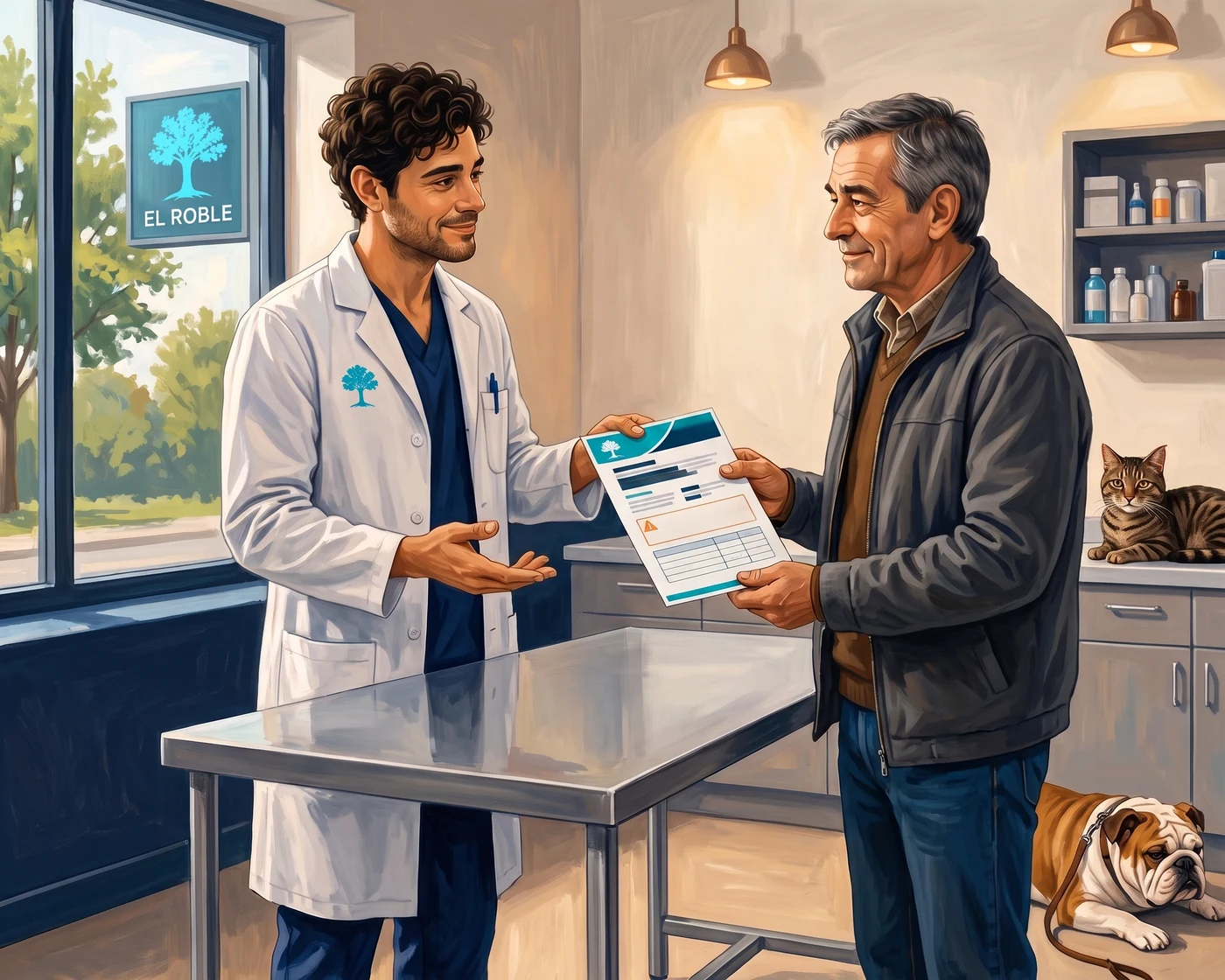
Now. Copy the template, paste the program notes, one sentence. The discharge report is born with the logo in place, the table correctly positioned, and the placeholders marked. Sara fills in, translates anything that remained as jargon, and signs. And Marta's, Hugo's, and Sara's finally look similar to each other — which was, of the two things she said in Monday's handover, the one that mattered to her.
Before you start
- The AI does not make any clinical decisions. The regimen, the days for the collar, what constitutes an alarm sign, and what wording goes on the paper are decided and signed by you. It provides the format.
- Every rule you set opens another door. We asked it not to change clinical terms, and it left "OVH" unexplained. We will ask it to explain them, and someday it will over-explain. Read it all before printing: no instruction replaces that reading.
- An example teaches more than a placeholder. The template contains a complete, real discharge report. If you leave it with empty brackets, it will end up copying the brackets.
- Always work on a copy. If you ask for the discharge report on the original template, you'll lose your template.
- In Google Doc, not in Word. A
.docxuploaded to Drive is not enough: you must convert it (File → Save as Google Doc). - Tick "disable knowledge citations". Otherwise, the discharge report might come out with notes referring to the reference file. That's not given to an owner.
- Review the numbers. Doses, days, dates, times, and the phone number. A discharge report with incorrect data is worse than having no discharge report.
- Owner's details, out. To draft the discharge report, their name, phone number, or address are not needed.
- Review changes one by one for the first week. Accepting everything at once works… until it doesn't.
- Creating and using the Gem in the chat works on free plans. Using it inside the document requires a paid account. It needs connection.