
 Phase 1 · Win 10 minutes
Stop starting from zero: your first assistant
Pill 1.5 · Quick win · Save your method once, and stop rebuilding it
Read the full story
The scene
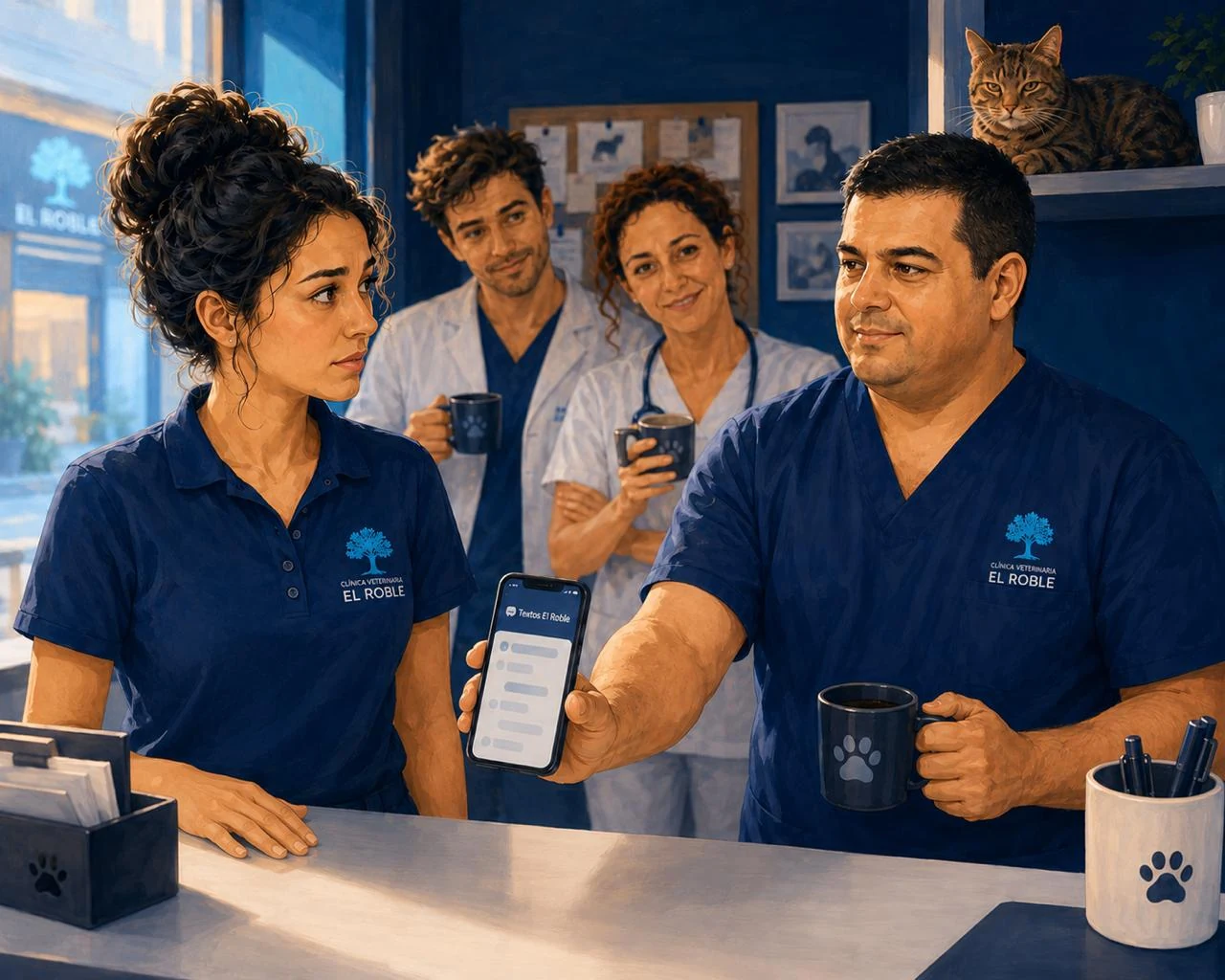
Half past nine, thirty minutes before opening. El Roble smells of coffee from the old machine, and the cyan glow from the sign on Calle Olmos comes through the window and settles over the narrow room: the corkboard of photos, the worn scale, and Roble —with his marked ear— watching from the shelf with the indifference of a cat who has seen everything already. This morning’s handover is less about work and more about the long weekend: Hugo is going to the mountains, Marta is taking her family to the village, and even Don Ramón popped in yesterday to ask if they were closing —and, while he was there, to explain that he was not going anywhere—. It is the first full long weekend since the new opening hours gave them their weekends back. You can feel it in the air.
Not Sara. Since yesterday, one thing has been going round her head: we need to tell people we are closing. And from recent experience she knows that is not just four lines of text. It means remembering everyone: the sign on the door, the WhatsApp message, the people who do not read WhatsApp —Don Ramón, older clients—, the opening hours Google shows to anyone searching “vet open” on those days, and —worst of all— the clients with an appointment already booked on the Monday they would normally be open, who need to be called one by one. She built the whole thing a few weeks ago for the hours change, and it took her an afternoon. Now, with the long weekend coming and the waiting room filling up, she looks at the blank phone and feels the thick laziness of starting again from scratch. The task is the same as always; so is the tiredness of rebuilding it.
The nudge
“Diego,” she says, without raising her voice much, “how did you end up doing the opening-hours thing? With this long weekend I do not even know where to start, and I do not want to miss anyone.”
Diego, checking the box of IV fluids at the other end of the room, does not give a speech —Diego almost never does—. But he looks up, and inside he feels what he always feels when someone is about to redo by hand a job that is already solved: it grates. After that afternoon with the opening hours, he did not leave it there. He saved the list of channels, as the AI itself had recommended. But he went one step further —now and then, after closing, with his phone for longer than he should and nobody asking questions, because Diego’s silence is respected— and discovered something better than a saved list: that whole method can live inside an assistant. You put the instructions in once, and from then on you only paste in the data.
So he does the most Diego thing possible: takes two steps and slides his phone across the counter. On the screen is an open assistant, “Avisos El Roble”.
“Paste the four long-weekend details there,” he says. “The ‘what might we miss?’ part is already inside. It gives you the plan for where to notify, and leaves the texts ready.”
And he explains the thinking behind it in two sentences, which is how he explains things. Creating the Gem did not cost him a euro —that part is free—. He personally pays for ChatGPT since the opening-hours job, because the tool hooked him and he wanted to play with it properly. But —and here Diego is ahead of the curve— he is not thinking about his own tool, he is thinking about the clinic: since El Roble’s email is already Gmail, Google may make more sense for the clinic. And he comes with his homework done —a sheet comparing what each option gives, free versus paid and Gemini versus ChatGPT—, with one underlined detail that has been bouncing around his head for months: Google’s paid plan includes five terabytes of Drive, more than enough for the old X-rays the digital radiography computer has been stacking up with nowhere to go. He leaves the sheet on the counter and goes back to his box. He does not mind whether Sara keeps using ChatGPT for emails or everyone uses their own thing; what he cannot stand is doing the same job twice —or having X-rays lost on a hard drive.
The everyday job
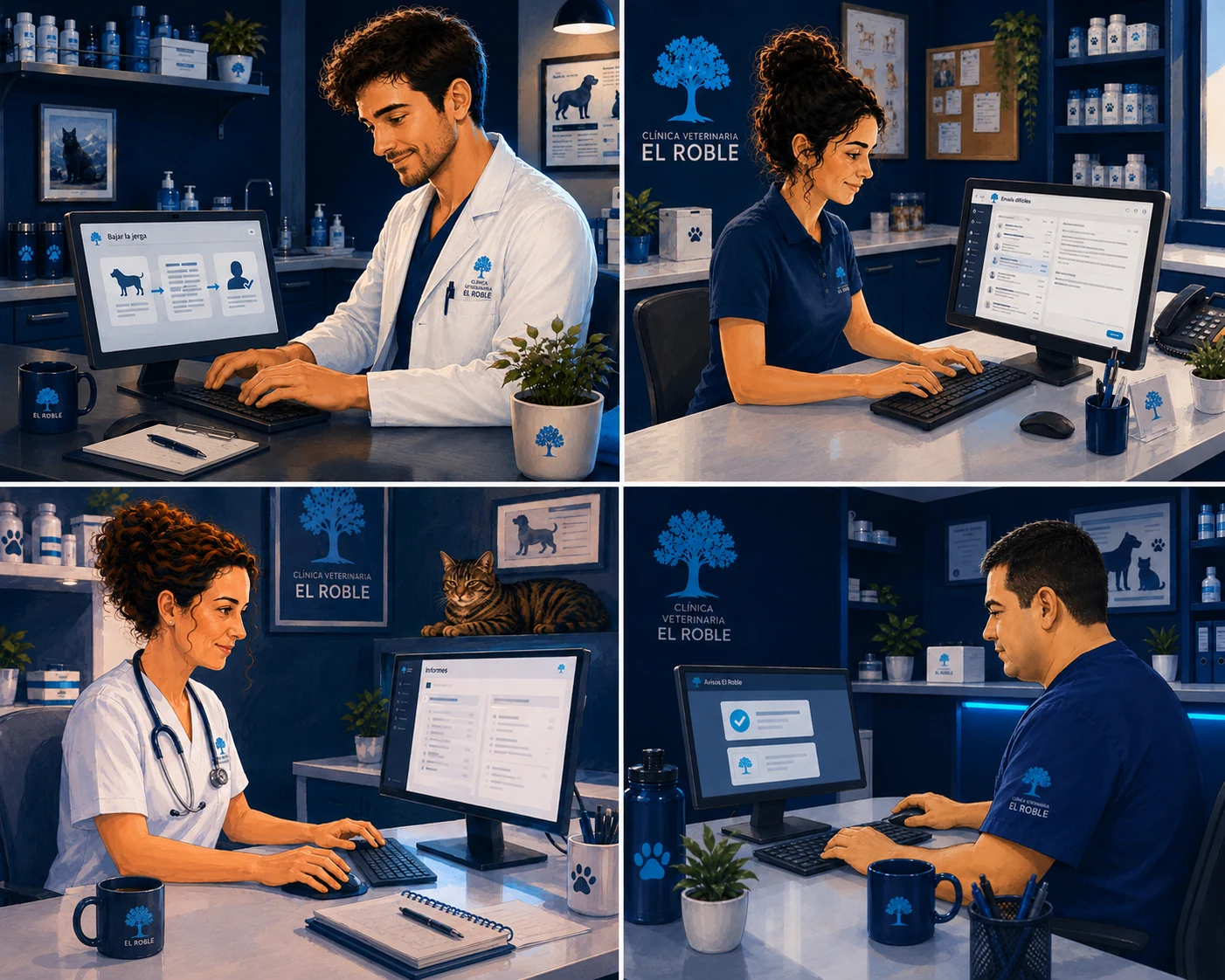
It is not just this long weekend. It is August, the vaccination campaign, the “we close early today” notice for a one-off day: every so often there is a notice that has to be done properly and posted in several places, and every time, if you do not have it set up, you start from zero again —the same plan, the same texts, rebuilt from memory—. And it is not only notices. It is any task with a method you have already nailed and will repeat: the difficult email Sara writes every week, the jargon Hugo translates into owner language in every complicated consultation, the discharge report Marta writes again and again. Everyone has a good recipe. And everyone is paying for it twice: once when they find it, and again every time they reconstruct it to use it.
Marta, who has been watching from the consulting-room door without saying anything —Marta reads rooms before speaking—, comes over, picks up Diego’s sheet from the counter and scans it. She stirs her coffee and delivers one of her lines:
“So what Diego has done, each person with their own thing, is what we all want.” It is not a question. “Then let us do it properly. A clinic account, not everyone’s phone. The assistants live together, sound the same whoever uses them, and do not depend on Diego being here today.”
And she decides the way she decides things: with Diego’s comparison in front of her, looking at what it costs and what it gives. The assistants matter —using them daily, adding protocols, keeping them all in one place— and with the clinic already on Gmail, the account being one click away makes sense. But what really makes her say yes is another line on the sheet: the five terabytes of Drive. The X-ray computer is getting slower every week, clogged with plates, and Marta is tired of buying hard drives to empty it —an expense that never ends—. With that cloud space, the X-rays stop choking the machine and she stops wasting money on disks. The assistants are the bonus. To be clear, it is not that Gemini is “the best” —different tools suit different people; ChatGPT has its strengths, and so does Claude—: for this clinic, it fits. Those twenty-something euros a month do not feel like an expense, but like another clinic tool, like the centrifuge or the microchip reader. “Between the afternoons it saves us and what I stop spending on disks, it pays for itself.” There, over that coffee, El Roble stops having scattered tricks on each person’s phone and starts building its own shelf of assistants.
The unlock
When you find not just a prompt, but a method that works —a way of working, like the opening-hours method: ask what might be missed → propose the plan → draft each channel— do not rebuild it every time. Save it inside an assistant. Put the method in once —the “what might I miss?”, the channels, the format for each one, and the rules it must not forget (“do not change my data”, “warn me if something is missing”)— and from then on you only paste the raw details for that notice. What first took you an afternoon now comes out in a minute, and it sounds the same whoever uses it.
In Gemini, that assistant is called a Gem, and creating one is free. (In ChatGPT the same idea is called a “GPT”, but creating one requires a paid plan; same concept, different label and different price.) And the professional judgement stays where it belongs: the assistant industrialises the method —the plan, the typing, the format—, never the judgement. The Gem does not know whether you really have appointments booked that day, whether the data you gave it is correct, or who each text is for. You provide that. The Gem proposes the plan and drafts the texts; the channel, the data and the signature are still yours —every time.
 10:02
10:02Audio in Spanish · subtitles in Spanish, English and European Portuguese.
The assistant in action
Look at it with a real case —in short, this is what the Gem returned in an actual test—. Sara only pasted in the four raw long-weekend details:
December long weekend: Monday 7 we are closed (normally we open) and Tuesday 8 is a public holiday
We return on Wednesday 9 at 10:00
Emergencies: the usual phone number
And without explaining anything else, the Gem produced the plan —prioritising the appointments by itself— and, on top of that, a risk list Sara had not even thought of:
| # | Where | The detail that gets missed |
|---|---|---|
| 1 | Monday 7 appointments | You normally open that day: call them one by one to reschedule before closing |
| 2 | Sign on the door | At eye level, and posted a week in advance |
| 3 | WhatsApp (broadcast + status) | For older clients or people without smartphones, better SMS or a short call |
| 4 | Google / Maps (special hours) | If you do not change it, Google will say “open” and people will come for nothing |
⚠️ And the risk list, the thing that really gets forgotten: chronic patients and medication —people who come every month for pills or special food and need to collect it beforehand— and recent surgeries —patients operated on that week who may need a review—.
Below came the ready-made texts: the door sign, WhatsApp, SMS for older clients and the Google text. The sign came out like this:
NOTICE TO OUR NEIGHBOURS
Because of the December long weekend:
Monday 7 and Tuesday 8: CLOSED
Wednesday 9: we return at 10:00
In case of emergency, use the usual phone number
The Gem built an excellent plan —with the risk list, even better than Sara would have done by hand—. But it does not get posted as-is: Sara adds the judgement, which is her job, and catches three things. Where it says “the usual phone number”, she writes the full number —on a public sign, “the usual one” means nothing to someone passing by—, and she also checks that the 9th is Wednesday. Then she catches the big one: the Gem proposed telling people to collect medication “before Saturday”, but El Roble is closed on Saturdays under the new hours —anyone going on Saturday 5 will find it shut—, so she changes it to “by Friday 4 at the latest”, the last day they are open; the Gem does not know your hours, you do. And she opens the diary for Monday 7 and calls the appointments for that day herself, because no sign can do that.
(She also tells the Gem that the clinic closes on Saturdays and Sundays, so it does not suggest that again: the more context you give it, the less it misses. But the final word is still yours.)
Making sure the plan is actually carried out —the number, the right day, the calls— is judgement, and that belongs to Sara.
Do it yourself in 4 steps
- Open Gemini on your computer (gemini.google.com), go to “Explore Gems” and click “New Gem”. (On mobile you can use them; to create them, use the computer.)
- Name it (“Avisos El Roble”) and paste your method —the instructions below— into the instructions box. It is what you already knew how to do, written once; now it lives inside the Gem.
- Test it in the preview with real data. And —the part most people forget— click “Save”. The preview does not save itself: if you leave without saving, you lose it.
- Use it: open your Gem, paste the raw data and go. Check the data by hand —dates, phone numbers— and do the real-world actions yourself —call appointments, update Google, hang the sign—. That part is not delegated.
Diego’s trick: add to the end of the Gem the rules you most often forget when you are rushing —“do not change any data”, “warn me if something is missing instead of inventing it”, “European Spanish”—. Once inside, it follows them every time, even when you are exhausted. The only thing the Gem does not know is who the notice is for and whether the data is correct: that is still yours.
Your Gem instructions · copy them
This is what you paste once when creating the Gem. It is the opening-hours method —ask what might be missed, propose the plan, draft each channel— saved inside:
You are my assistant for communicating changes and notices for a neighbourhood veterinary clinic: opening-hour changes, long weekends and holidays, campaigns, one-day closures. I give you raw details and you help me notify people properly without forgetting anyone.

You work in two parts:

1) THE PLAN. Before drafting, give me a short table with the most useful CHANNELS and actions for a neighbourhood clinic, ordered by priority, always including what usually gets missed:
   - the sign (where to place it),
   - WhatsApp and who does not read it (older clients, no mobile) → SMS or call,
   - Google/Maps (special hours),
   - APPOINTMENTS already booked on those days → notify one by one.
   Add a short “risk list”: who is easy to forget.

2) THE TEXTS. Draft each relevant channel, ready to use, in clear, warm, neighbourhood-clinic language, without fluff, each with the right length and tone for its place (the sign readable at a glance, WhatsApp short and warm, Google text brief).

Rules that never change:
- Respect EXACTLY the data I give you (dates, times, phone numbers): do not change, invent or complete anything.
- If something looks wrong or a detail is missing, TELL ME instead of fixing it on your own.
- Do not include specific client data.
Once it is inside, you no longer explain the method: you only paste the notice details and the Gem does the rest.
Download the practical notes for this pill: what an AI assistant is, when it is worth creating a Gem or GPT, useful differences and the steps to set it up in the clinic.
Before → Now
Before. Every notice started from zero: rebuilding the whole plan and all the texts from memory, every time, afraid you would miss someone —and still having someone standing at the door on a day they thought you were open—.
Now. You build it once (a few minutes). From then on, you paste the raw data, get the plan and texts, check dates and appointments by hand, and notify people. The same voice for the whole clinic, and never starting from zero again.
Before you start
- The Gem proposes and drafts; the data, the click and the signature are yours. Before posting or sending anything, manually check every factual detail —dates, times, phone numbers— and do the real-world actions yourself: call the appointments for those days, update Google, hang the sign. The Gem does not call for you or change your Google listing.
- Creating Gems is free —you can build your first one today, without paying, from your computer—. In the story, the clinic decides to go one step further and subscribe to Google AI Pro (about €21.99/month) because it sees value: daily use without running short, adding its own documents to assistants, 5 TB of storage —where El Roble can finally fit the digital X-rays piling up— and all assistants in one clinic account. But to start testing, you do not need it. (In ChatGPT the same thing is a “GPT”, and creating one does require a paid plan.)
- Different tools, on purpose. Throughout the series you will see us use ChatGPT, Gemini and Claude depending on the pill —that is not a mistake—. What we teach is the technique, which works the same across tools; which one to choose for each job is a pill in itself, and it arrives in Phase 2.
- This is for general clinic communication —opening hours, notices, changes, campaigns—. Because they are public texts, there is no patient data to protect. Anything involving a specific client’s data is a different story; we will cover it when the time comes.
- It needs a connection: it is processed in the cloud.
Video transcript · Pill 1.5 — Stop starting from zero: your first assistant
Last week we did a micro-lesson where we talked about text, to polish them and to help us work more effectively and the idea now That's with a formula so we have an assistant and we don't have to be repeating every time. We're with Gemini, you can also do with ChatGPT, they're called in different ways, you have a manual. Here if you have no Gema that's what the tool's called, you'll have That come to the configuration part and at the configuration part click here at Gems and you'll get into this menu and here's a new Gema designed, clicking here or knowing a window directly, can be done with free plan, now I'm with A free account and we have these fields.
I have them filled with another Gema as well. That we'll see them there directly. The idea is will ask us a name, in this case we have given the name of an announcement at Roble, we have given a brief description where we explain That's an assistant to report changes and warnings to the clinic. And we finally give you the instructions that's a prompt where we will use the traditional method of ROLES, where you are my assistant to report changes and warnings from a neighborhood veterinary clinic, changes time, bridges and holidays, campaigns, a day's closure. I'll pass you some data at Brutus and you help me get a good call and without forgetting anyone.
We give him the context and we have given them the role and the context and we are also giving them some instructions with the task, work in two parts. On the one hand, we're gonna have to have a plan before we write a A short table with the most useful channels and actions for every ordered neighborhood clinic his priority and always including what you can escape. The sign to put him, WhatsApp and whoever doesn't read it, bigger and mobile, sms or call, google maps, special schedule and dating already given in those days. Notify one at a time. Add a brief list of risks to who's easy and second we ask his text.
Rewrite me every appropriate channel, ready to use at Spanish Spanish, clear close and neighborhoods, with no lights and each with length and tone from his place. The legible sign at a glance, short and warm WhatsApp, short google text. The rules that never change. That's exactly what I give you. Dates, schedules, phones, Do not change, invent or complete anything. If something's a mistake or missing an information, Let me know instead of setting it up on your own. Do not include specific client data. Okay, so we have our instructions. As you can see and finally there are other options that do not we will use today at some later pill if we will use them in which we can choose A default tool.
If we don't choose one's a chat but we could do create images, create canvas, an research, conduct guided learning and we could also give them some knowledge files. If we had to base the result on some kind of strict knowledge we could upload here, files directly or drag them. Okay, and directly we could also have them put out and simply use them as knowledge. Once they're already here, we'll get our saving button and in this case we can Updating and we have been put back to work. That's his format. From here on out, Once we're in our conversation, we'll go to the Gems and we'll tap the Gem and put them on That's our message. In this case we'll give you the following.
Well, we're at and we directly put some brief information as Sara would do in the case. We're talking about That we have a bridge in December, on Monday 7 we do not open that normally yes, Tuesday 8 is Festive. We'll be back on Wednesday 9 at 10 and the emergency's the same old phone. That's very concrete and very brief and we sent them. And Gemini's gonna give us what we've been through. order, a closed communication plan at what we have done. He's gonna tell us to check them out. scheduled citations, especially the schedule of Monday 7 and Tuesday 8, if any quote, call or write one by one to reprogram before releasing general warnings. That's what more important.
Second point, tells us to put up a physical sign, stick it at the door main at the height of his eyes and at his reception desk. It's vital for his passing neighbours. Strolling his dog. Thirdly, by WhatsApp, best do them by spreading them to the state at the state, and direct message to regular customers. Eye, older customers or without smartphone They will see them program a phone call or SMS, knowing that those who could come. Fourth, use Google's company profile and put the special schedule closed, If she doesn't give up that's open and she can give you trouble.
Also, give us a risk list to and those who are easy to forget, as we can forget about chronic or medication, customers picking up special feed or monthly medication these days, how to notify them to withdraw them before the weekend and patients with monitoring by pets that have been operated that week or a treatment that Be active and they may need a review just Monday. That's good to be told. Also, second we have requested the text, so we have come here the sign of the door, as we have to put it here, for instance, tells us urgency, same old phone. We better edit them and we'll change them. That's how we publish it manually. every single case. WhatsApp: short and close.
He says, we let you know that the week That's how we have a little break from the December bridge. Monday, 7 and Tuesday 8 We're closed. Well, we don't open at 10. If you need pills, I think, check any questions before the holidays, let us know as soon as possible to organize ourselves. For emergency care, We are available at the usual phone, the bridge. SMS as well as at Google Maps, That's why. To Google's profile, so there's no mistakes. So well, this way, What you can have is an account of a collection of small assistants who do a and once a day or once a week, so that you don't have to be remembering the prompt and you don't have to be back and forth every time same chat.
Can be used repeatedly and have a more or less homogenous result every time. Finally, I wanted to teach you at ChatGPT as well. The big difference is that ChatGPT does not allow using this same tool as if they are called custom GPs, free versions. You'll have to use a payment plan. I'm here with a free version and I can't create my own GPT. If there was a GPT from someone, we could have been with them. We could share and have them created and we could use them. But someone's got to have an account. and payment. That's why if you have a payment account, that's also an excessive price, that's 24 euro a month, We have another user. A single code.
Once we're inside, we come here more and we come to GPT. At GPT, what you can do is create a GPT and I follow a very similar formula. Can you give her a Icon, we'll give you the name, description, same instructions. It allows you to create as a phrases that would have you down here to start the talks. That's how it's been. necessary. We could load files as we did at the Gems. Using the model we could, at this If so, choose different models for each of the GPTs interactions. We could get in. at this point and so can we do, have different functionalities, that I can look at web or otherwise, that can use the canvas mode, that can generate images or make code interpreter.
We can also get him to do small actions. The same way, once you have it, believe and be used The same. But it's basically the same formula.