
 Phase 2 · You do more than write now
The protocol the locum watches in two minutes
“The house notebook” series (5 of 5). Diego has sixteen pages on how things are done at El Roble, and the locum in August called him eleven times. Gemini Notebook, with the Drive Doc as a source and the Short format of the Video Overview, makes a one-minute video for each thing that can't go wrong. You watch it with the document open beside it, and what's wrong gets fixed in the document.
Pill 2.9 · Series «The house notebook» (5 of 5) · A Google Doc from Drive as a source and the Video Overview in Short format KYBERVET Academy · El Roble Clinic · Phase 2: Make it work, not just answer · Video · 4:56
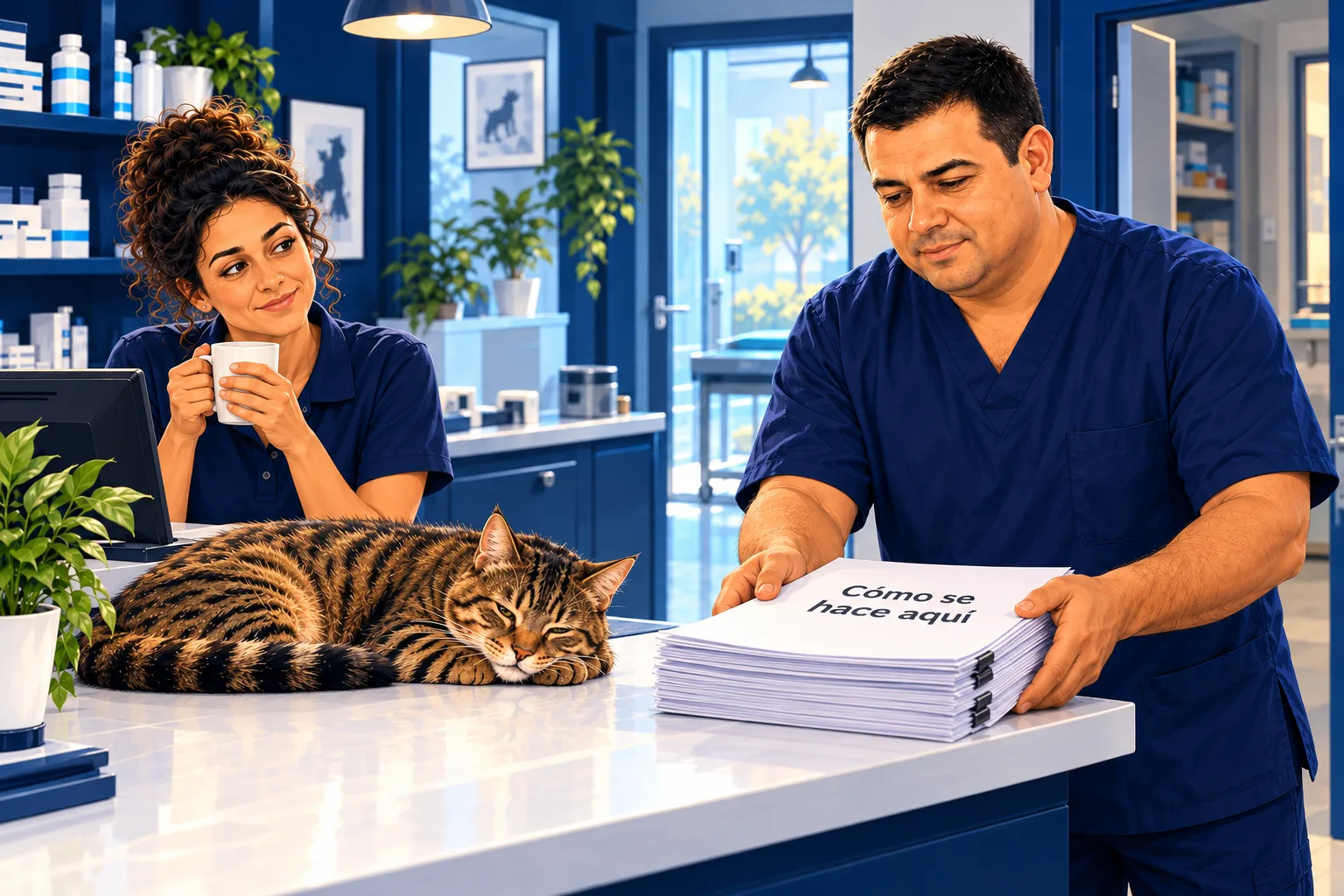
Every clinic has a document on how things are done. Someone wrote it carefully, it runs to sixteen pages, and whoever comes in to cover doesn't read it. They call.
Gemini Notebook turns that document into one-minute vertical videos to watch on a phone. If you don't tell it anything, it suggests one about the whole clinic. With a brief, it makes one for each thing the newcomer can't get wrong. And you watch it with the document next to it, because the video makes mistakes too.
At El Roble, the samples video said one o'clock. From Monday, the courier comes at twelve thirty. Diego didn't fix it in the video: he fixed it in the document.
Chapters · 4:56
- · Opening: sixteen pages nobody reads
- · The Doc, from Drive
- · One minute, one thing
- · With the document alongside
- · You fix the document
- · The notebook for questions
- · The human touch
Read the full story
The scene
Thursday, morning huddle, coffee in hand. Sara goes over today's list and, at the end, next week.
“On Monday Iván comes in, the one from the staffing pool. He's covering for Diego all week.”
Diego says nothing. He gets up, goes to the back room and comes back with a stack of stapled pages: «How things are done here», version 7, sixteen pages, twenty sections. He leaves it on the front desk. Hugo picks it up, leafs through to the middle, reaches the table of autoclave programmes and puts it back where it was.
“It was printed in August too,” says Sara.
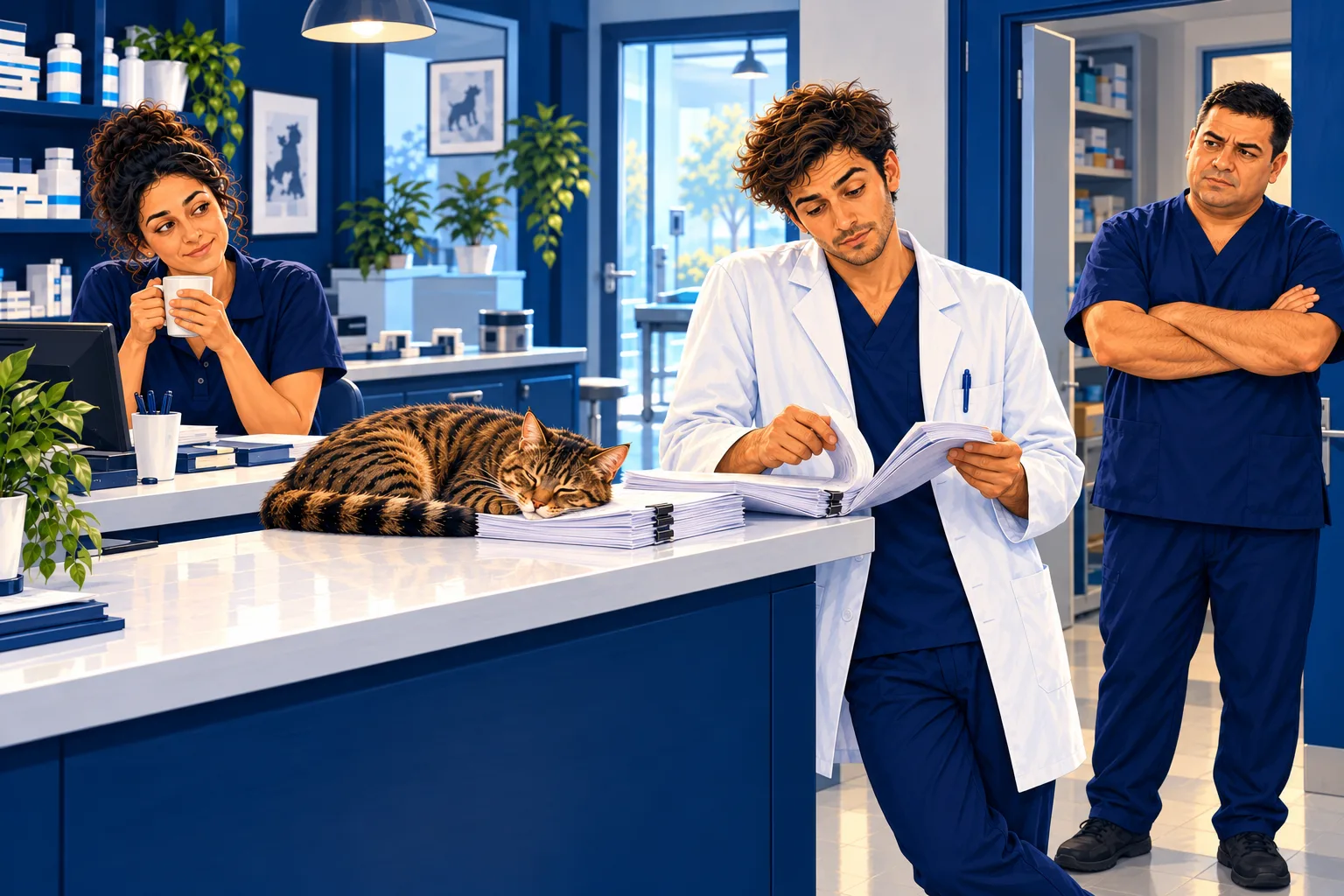
In August a young woman from the same pool came in to cover for Diego. She called eleven times in two weeks. Half of the calls caught Diego on the beach and the other half in the car. On the seventh, she asked whether they didn't have a video.
The push
At 20:10, with the clinic already closed, Diego opens a new notebook in the clinic's account. He adds «How things are done here» from Drive, just as it is, and clicks the source to check it all came in: the tables, the lists and the «Before anything else» box.
Then he clicks Video Overview. He chooses Short, which lasts a minute and comes out vertical, for the phone. The notebook suggests three topics, and the one already selected is «How the veterinary clinic works». The whole clinic in one minute.
The other two make him smile: «The external samples process» and «Roble's life here». Not that far off. But Diego doesn't trust a topic someone else picked. He opens August's WhatsApp chat and counts, with his finger, the way he used to count the tally marks in his notebook.
Eleven calls. Four about the lab samples and three about closing up. All seven had the answer in the document.
“Two videos, then,” he says, to no one.
Roble jumps onto the desk and sits on the keyboard. Diego puts him down without looking.
The task
Diego writes a brief for each video. He always starts the same way: who it's for. An assistant coming to cover for a week who has never been to the clinic. Then, what and in what order: the samples, from the request form to the Outgoing shelf; closing up, from 19:30 to the alarm. The time must be clear. Roble must not be forgotten. And what's left out: no other sections, no advice that isn't in the document, no phone numbers or codes.
He clicks Generate now and goes to take the rubbish out. The samples video takes thirteen minutes.
He watches it with the document open next to it on the computer, pencil in hand. One minute and two seconds, a single voice, the steps in order. It has worked out by itself that the box must be ready at a quarter to one, from the document's «fifteen minutes before». Diego nods. And then the voice says the courier picks up «at one o'clock sharp».
Not from Monday. The lab sent the email two weeks ago: the pickup moves to twelve thirty. Diego wrote it in his notebook and never moved it into the document. The video says what the document says.
The closing one follows the order of section 17, the alarm's 45 seconds and that the analysers are never switched off. It leaves out the windows and the rubbish. And when it gets to Roble, it adds that if he gets shut in the storeroom, he'll open the food sacks.
Diego goes back to section 16 and reads it all. It doesn't say that.
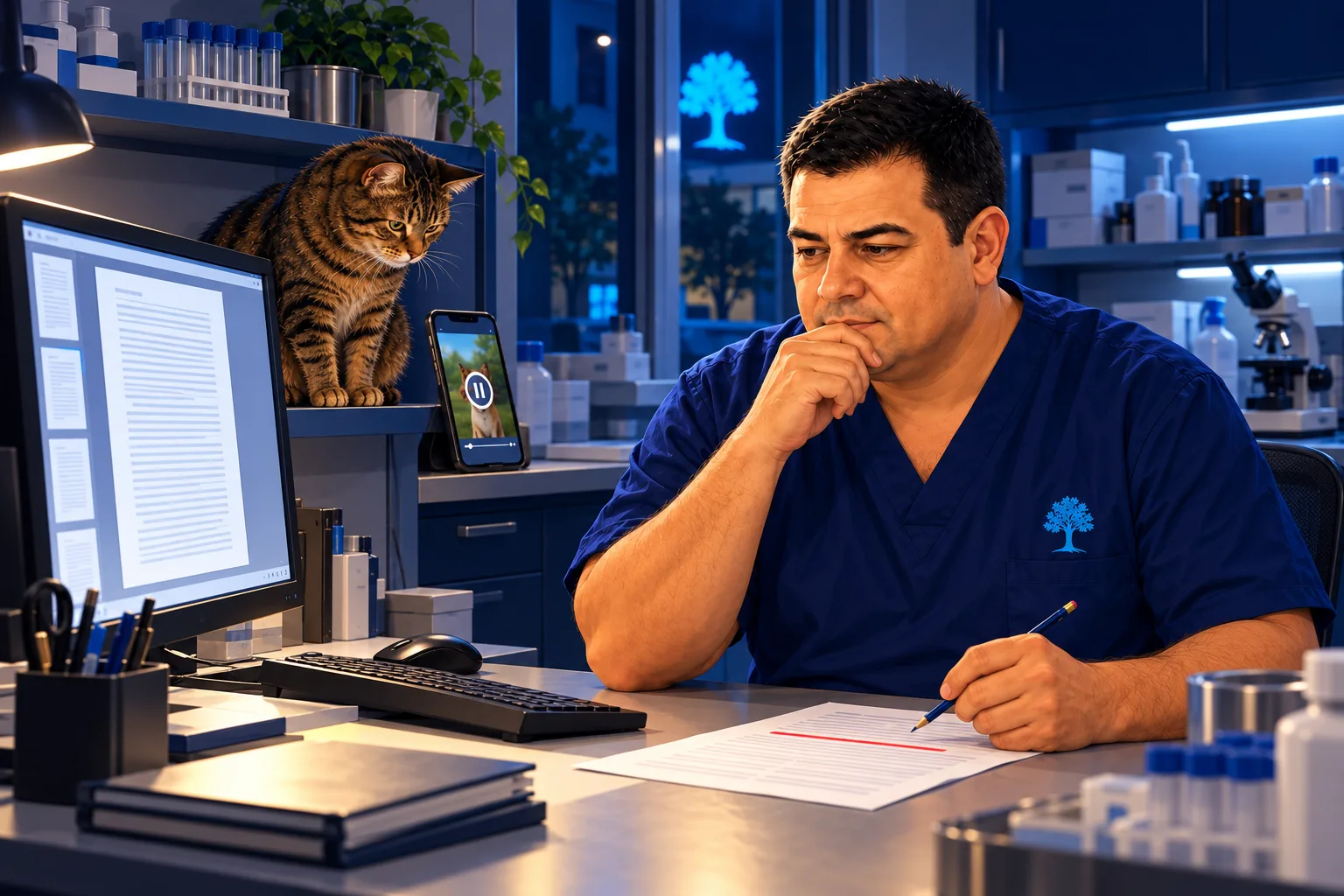
He doesn't fix the video, because he can't. He fixes the document. In section 5 he changes «at 13:00» to «at 12:30». At the end, in the change log, he adds a row: November 2026, lab pickup at 12:30. At the top, version 8.
He goes back to the notebook and clicks the source. Under the name it says «Click to sync with Google Drive». He clicks, and a few seconds later it already says 12:30.
The samples video, however, still says one o'clock, and gives no warning. Diego opens the video's menu, copies the brief from «View custom prompt» and generates it again, the same way. Ten minutes. The new one says twelve thirty, the box ready at a quarter past twelve and, if nobody has come by one, to call. The drawings have changed, but it says the same thing, and now it also says not to take the samples in your own car.
He doesn't redo the closing one. The food sacks aren't in the document, but they aren't a time or a step. What it leaves out, he can say himself.
He downloads both. He shares the notebook with Iván as a viewer and, after testing the link, he shares the document too, because without it the chat won't answer.
On Sunday afternoon he writes:
«Iván, it's Diego. I'm sending you two one-minute videos: how samples are sent and how we close up. Anything else, ask the notebook, it knows the whole document. If the video and the document don't say the same thing, go with the document. The closing one leaves out the windows and the rubbish. If the notebook tells you something isn't stated, write it down for me. Marta will give you the alarm code on Monday.»
The reply arrives ten minutes later.
«Thanks. I asked it where to park and it says it's not stated.»
Diego opens the document and adds two lines to section 1. Version 9.
On Wednesday, at 20:06, Diego gets a message. Just one all week.
It's a photo of Roble with his head in his bowl.
«Fed. Everything else, I asked the notebook.»
The unlock
If it's your first time opening Gemini Notebook, start with the «What is Gemini Notebook» video in pill 2.5.
One. The protocol, in a Google Doc on Drive. In «Add sources» → Drive, you pick the document. If it's a Google Doc, the notebook catches up with what you change in the document. In our test it didn't happen by itself: clicking the source showed «Click to sync with Google Drive», and with that the change was in the notebook within seconds. A Word file or a PDF doesn't have that button: upload it to Drive and convert it to a Doc.
Two. One minute, one thing. In Studio, Video Overview → Short. It comes out vertical, one minute long, with a single voice. Before generating it suggests topics under «What should the video focus on?», and the one already selected is the most general. A long document doesn't fit in a minute: it's enough for several videos, one for each thing the newcomer can't get wrong. To know which, look at why they called you last time.
The brief goes in «Custom topic», which takes up to 5,000 characters, and says four things:
- who it's for: someone who has never been to the clinic;
- what, and in what order it's done;
- what must be clear to them: the time, what can't be forgotten;
- what's left out: other sections, advice that isn't in the document, phone numbers and codes.
The Short format doesn't let you choose a visual style.
Three. You watch it with the document alongside, and you fix the document. The video is a snapshot of the document on the day you generate it. If you change the document afterwards, the video doesn't notice and doesn't warn you. So you watch it with the document open, section by section: every time, every number, the order of the steps and anything it says that isn't there.
What's wrong gets fixed in the document, and the video is made again with the same brief: you'll find it in the video's menu, under «View custom prompt». It looks different, because it's generated from scratch each time. Redo it when it gets something wrong that matters, like a time. If it leaves something out or adds a harmless detail, you can say so yourself in the message.
You send it as a file: it downloads as MP4 and weighs between 4 and 9 MB. To share the video by link you'd have to give full access to the notebook.
Four. The notebook, for questions too. Share it as a viewer and share the Doc with the same person too: otherwise the chat won't answer them. The viewer sees the chat, the sources and the videos already made, but can't generate anything. It answers quoting the document, and if something isn't there, it says it's not stated. You don't see what they ask: ask them to tell you what wasn't stated, because that's what your document is missing.
What happened at El Roble
The document: «How things are done here», El Roble's operations manual. Twenty sections, about sixteen pages, eleven tables. It's below, in Word (in Spanish), as a template.
| The samples (13:00) | Closing up | The samples (12:30) | |
|---|---|---|---|
| Length | 1:02 | 1:05 | 1:07 |
| Time to generate | 13 minutes | Not timed | 10 minutes |
| What it does well | The steps in order. It works out quarter to one by itself from «fifteen minutes before» | The order of section 17, the alarm's 45 seconds, the analysers that stay on and the sign that's left alone | Says 12:30, 12:15 and one o'clock as the time to call, without being asked. Adds that samples never go in your own car |
| What it misses | Says the tube is «always» labelled before filling. The document says «if possible» | Leaves out the windows, the street rubbish and the day ward. Invents that Roble, if shut in the storeroom, opens the food sacks | The look: different drawings for the same message |
All three carry the notebook's watermark at the end.
The viewer's three questions, from another account:
| Question | What it answered |
|---|---|
| How much does Roble eat, and when? | A scoop of kibble per meal, at 9:30 and at closing, quoting section 16 |
| What time must the lab box be ready? | At 12:15 on the Outgoing shelf, fifteen minutes before the 12:30 pickup. If it isn't ready, it goes the next day |
| Where do I park? | That it isn't stated in the documentation. It only gives the clinic's address |
One minute for each thing that can't go wrong. What's wrong gets fixed in the document.
Do it yourself in 4 steps
- Set up the notebook. Put your operations document on Drive, as a Google Doc. In a new notebook, «Add sources» → Drive, and click the source to check it all came in.
- Pick the things and make one video for each. In Studio, Video Overview → Short, in your language. In «Custom topic», paste the brief with your thing and click «Generate now».
- Watch it with the document alongside. Use the check question in the chat to get the times and the steps with their quotes. If something is wrong, fix it in the document, sync the source in the notebook and redo the video with «View custom prompt».
- Send it. Download the videos, share the notebook and the document as a viewer, and send the message.
The video brief · copy it
This video is for an assistant who is coming to cover for a week and has never been to the clinic.
Explain only (the thing), in the order it is done: from (the first step) to (the last).
Make sure (the time, what can't be forgotten) is clear.
Nothing from other sections of the document, and no advice that isn't in it.
No phone numbers or codes.
Speak to them informally.
Replace what's in brackets with your thing.
The check question · copy it into the chat
From section (number) of the document, give me a list of:
1. Every time that appears, with the quote.
2. The steps, in order, with the quote.
3. What to do if something goes wrong, with the quote.
Only what's in the document. If something isn't stated, write «not stated».
The message for the newcomer · copy it
Hi, (name). I'm sending you (number) one-minute videos: (the things).
Anything else, ask the notebook, it knows the whole document: (link).
If the video and the document don't say the same thing, go with the document.
If the notebook tells you something isn't stated, write it down for me.
Before → Now
Before. Sixteen printed pages on the front desk. The substitute calls, and you answer from the beach what was already written down.
Now. Two one-minute videos for the two things that can't go wrong, checked with the document alongside. A notebook that answers everything else with a quote. And whatever isn't stated goes into your document.
Before you start
- A Doc, not a PDF. Only Docs, Sheets and Slides on Drive sync with the notebook. An uploaded PDF or Word file is a snapshot.
- After changing the document, sync. Click the source in the notebook and press «Click to sync with Google Drive». In our test it didn't update by itself.
- The video doesn't notice changes. And it doesn't warn you. If you fix the document, you redo the video.
- It comes out different every time. Same brief, same message, different drawings. Don't expect the same video twice.
- It invents details. In the test, the closing video added something that wasn't in the document and left out three steps. That's why you watch it with the document alongside.
- Sharing the notebook isn't enough. You also have to share the Drive document, or the chat won't answer the viewer. The viewer can't generate anything, and you don't see what they ask.
- No codes or personal phone numbers in the document. Anyone with the notebook can read the sources. At El Roble, Marta gives out the alarm code in person.
- Send the file. Sharing the video by link means giving full access to the notebook.
- It takes time and usage. The videos we timed took ten and thirteen minutes. On the free account, one short video used a third of the hourly limit, and it ran out on the third. El Roble uses the clinic's paid account.
- It has a watermark. At the end of every video.
- The buttons will keep changing. What will stay the same: one minute for each thing, watching it with the document alongside, and fixing the document, not the video.
Extra · The newcomer's welcome
With the same notebook, you can also prepare the newcomer's first day. An interactive report tells them about the whole place, top to bottom, like a lesson. A mind map lets them browse: they open the branch they're interested in and, if they click a card, they ask the chat about it. And whatever isn't in the document, you can say in a voice note from your phone, which goes in as one more source.
- The interactive report. In Studio → Reports → Interactive. There's a single template, «Learning Overview». It starts like a lesson («By the end of this lesson, you'll be able to…») and goes block by block, with a table of contents. Inside, it suggests Studio items, a presentation or an audio, and generates them right there. It can't be downloaded: it lives in the notebook.
- The mind map. One branch for each part of the document. You open and close them, and clicking a card takes you to the chat with that question. When you download it, you get an image of whatever is open at that moment.
- The voice note. In the phone app, under Sources, the microphone. It records up to an hour and goes in as one more source, named with the date. It only counts for what you generate from then on: the report and map already made don't know about it.
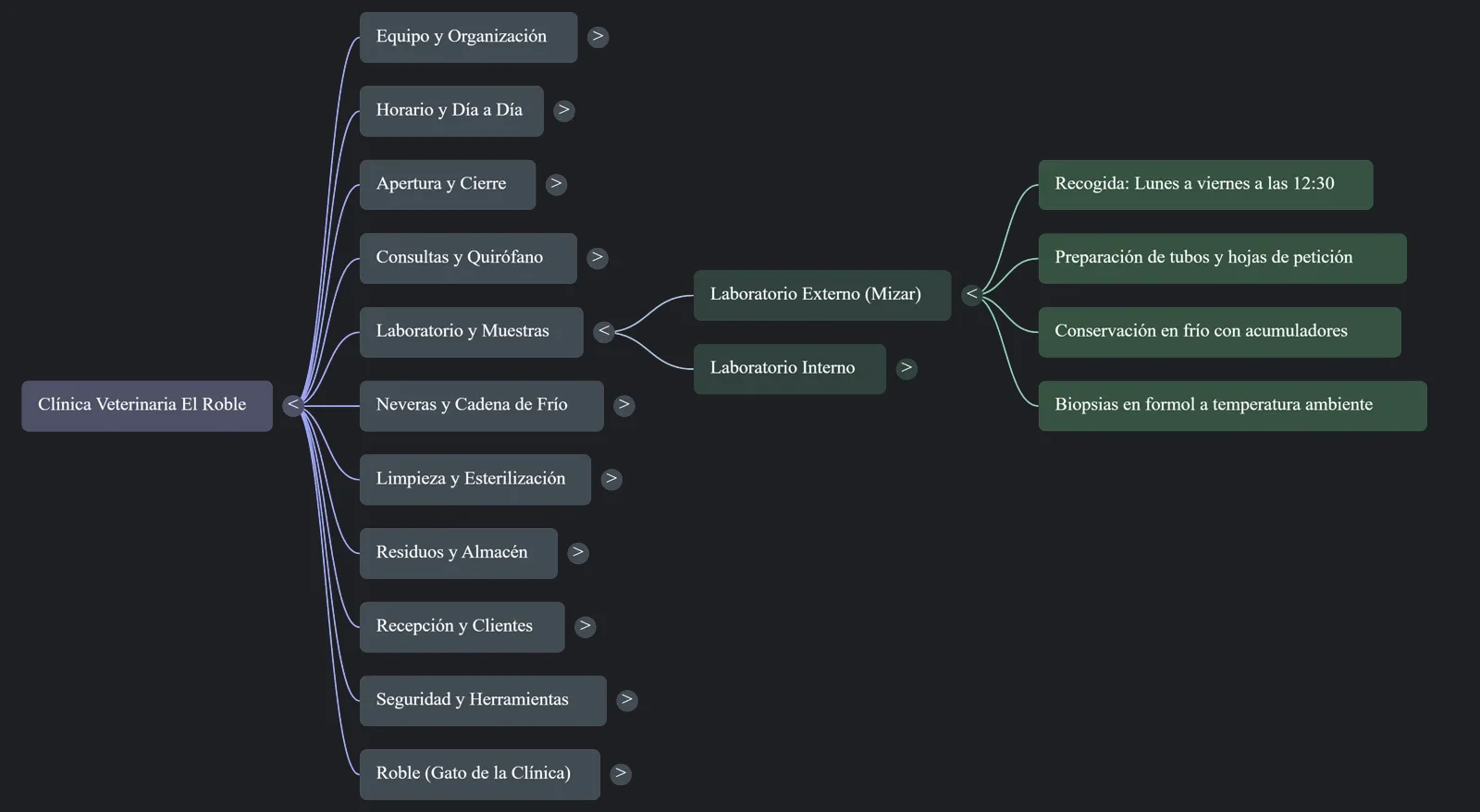
The report puts everything in, including what the substitute won't touch, like the operating room or the X-rays. Read it before sending it and tell them where to start.
Support material
The guide, to keep at hand. El Roble's document, so you don't start yours from scratch. And the three videos from our test, so you can see what comes out.
The four steps, the three texts to copy (the brief, the check question and the message for the newcomer) and the «Before you start» notes.
The operations manual of the series' clinic: twenty sections, from opening to closing. Swap El Roble's details for yours. It has no real phone numbers or codes, and yours shouldn't either.
The three videos from the test
These are the videos Gemini Notebook generated in our test, as they came out, with their watermark and in Spanish. An AI made them and they have the mistakes the pill describes: that's why they're here.
With the old document: it says the courier picks up «at one o'clock sharp». From Monday, it's twelve thirty.
The closing order, right. It leaves out the windows and the rubbish, and around second 34 it invents the food sacks. Look for it.
Redone with the same brief after fixing the document: now it says twelve thirty and a quarter past twelve. Same message, different drawings.
Next week · 2.10 · The campaign poster, made on a Tuesday. The printer wants ten days. Sara asks for Tuesday afternoon.
Video transcript · The protocol the substitute watches in two minutes
Sixteen pages. This is how things are done at El Roble: the samples, closing up, the cat… Diego wrote it carefully. And whoever comes to cover for him doesn't read it. They call. In this pill, we turn that document into two one-minute videos for the phone, and whatever the video gets wrong is fixed in the document. First, it has to be a Google Doc. Diego had it in Word: he uploads it to Drive and opens it with Google Docs. When you create a new notebook: Add sources, Drive, and you add the document. Then click the source to check it all came in: the tables, the lists and the box at the start. Because it's a Doc, the notebook can catch up with whatever you change in the document.
We're going to need that. In Studio we'll use Video Overview. Short format: one minute, vertical. Before generating, it suggests a few topics, and the one already selected is “How the veterinary clinic works”. The whole clinic in one minute. Of course it doesn't fit. And that's not what the newcomer needs. In August, seven of the eleven calls to Diego were about two things: the samples and closing up. So we'll make one video per thing, each with its own brief. Who is it for? An assistant who has never been to the clinic. What, and in what order? From the request form to the Outgoing shelf. What must be clear to them: the time.
And what's left out: other sections, tips that aren't in the document, phone numbers and codes. Generate now, and wait. The samples one took thirteen minutes. This is what comes out. One minute, a single voice, and the steps in order. “Write everything in the shipping log and leave the box on the Outgoing shelf.” “It must be ready by a quarter to one, because the courier picks up at one o'clock sharp.” It worked out quarter to one by itself, from the “fifteen minutes before” in the document. Good. The problem is something else. You watch it with the document next to it: every time, every number, the order of the steps.
One o'clock is what the document says, but from Monday the courier comes at twelve thirty, and Diego hadn't changed it. The closing one leaves out the windows and the rubbish, and adds something that isn't anywhere. “If he gets shut in the storeroom, he'll open the food sacks.” The video makes mistakes. That's why you check it with the document in front of you. You can't fix the video. You fix the document: twelve thirty in section five, a row in the change log, and version eight. You go back to the notebook and click the source. It says “Click to sync with Google Drive”. You click it, and in a few seconds it says twelve thirty.
The video, however, still says one o'clock, and gives no warning. It's a snapshot of the document on the day you made it. So the fix is to make it again. In the video menu, click “View custom prompt”, copy the brief, and generate it the same way. In about ten minutes you have it. “At El Roble, external lab samples go out Monday to Friday at twelve thirty.” The same message, with different drawings. And now it says twelve thirty and twelve fifteen. The notebook also lets the substitute ask questions. Share it with them as a viewer, and don't forget to share the document too. Otherwise, the chat won't answer them. That way, the newcomer sees the videos and the chat, but can't generate anything.
They ask what time the box must be ready, and it answers with the quote. If they ask something that isn't there, like where to park, it says it's not stated. You don't see what the other person asks. Ask them to tell you what's not stated: that's what your document is missing. The videos can also be sent as a file, not just in the notebook. They download as MP4 and weigh just a few megabytes. And if the video and the document don't say the same thing, the document always wins. One minute for each thing that can't go wrong. You check it with the document next to it, and whatever is wrong you fix in the document.
Video transcript · Extra · The newcomer's welcome
The two videos are for what can't go wrong. But on day one, the newcomer also needs a sense of the whole place. With the same notebook. One of the newest features is in Studio, Reports, Interactive. There's just one template: Learning Overview. You get a long report, with a table of contents, that starts like a lesson: “By the end, you'll be able to…”. And it goes block by block, from the team to waste disposal. Inside the report it suggests more Studio items, a presentation or an audio, and generates them right there. Careful, it puts everything in: even what the substitute won't touch, like the operating room. Read it before sending it and tell them where to start.
The mind map is for browsing, a bit beyond the table of contents. One branch for each part of the document. You open them, close them, and if you click a card, it takes you to the chat with that question. And if something isn't written down, it can be said. In the phone app, under Sources, there's a microphone icon. There you can record a voice note, and it goes into the notebook as one more source, next to the document. What you say in the note counts for whatever you generate from then on. The report and map that were already made don't know about it. The document, for what can't go wrong. And the same notebook, so the newcomer doesn't start from scratch.